
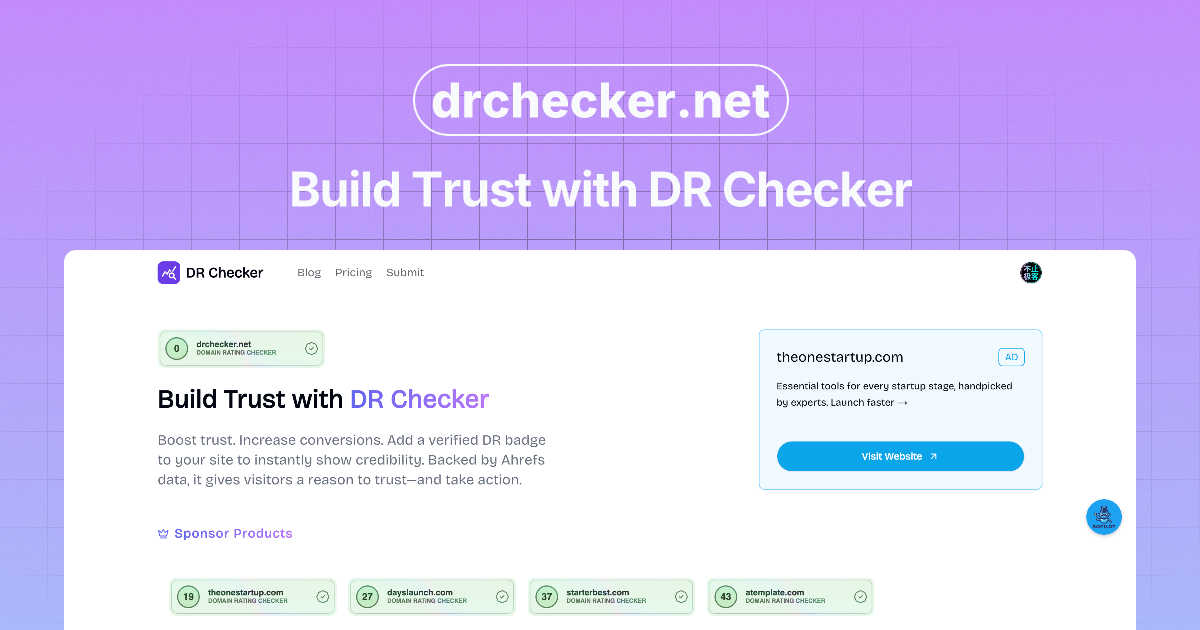
About DR Checker
DR Checker is a powerful, web-based diagnostic tool designed to proactively safeguard your website's health, performance, and reputation. It functions as a comprehensive link auditor, meticulously scanning your entire site to identify broken links, invalid URLs, and potentially harmful connections that are often invisible during routine maintenance. For website owners, developers, SEO specialists, and digital marketers, these hidden issues pose a direct threat: broken links frustrate users and damage credibility, while links to malicious or expired domains can severely impact search engine rankings and security. DR Checker's core value proposition is delivering clear, actionable insights that transform website upkeep from a reactive chore into a streamlined, proactive strategy. By leveraging advanced crawling technology, it provides detailed reports that pinpoint problems like 404 errors, redirect chains, and suspicious outbound links, empowering you to resolve them quickly. This ensures a seamless user experience, protects your site's SEO equity, and maintains a trustworthy online presence, all through an intuitive interface accessible to both technical and non-technical users.
Features of DR Checker
Advanced Website Crawling & Analysis
DR Checker employs sophisticated crawling technology to deeply analyze your website's structure and all its connections. It doesn't just check surface-level pages; it follows every internal and external link, script, and resource to build a complete map of your site's ecosystem. This ensures no problematic link goes unnoticed, from the deepest blog post archives to newly added product pages, providing a truly comprehensive audit report that forms the basis for all corrective actions.
Broken Link & 404 Error Detection
This core feature systematically identifies every broken link on your website that leads to a "404 Not Found" error or other client/server failures. DR Checker catalogs these dead ends, specifying the exact page where the broken link originates and the invalid destination URL. This allows you to efficiently fix or remove these links, eliminating visitor frustration and preventing the negative SEO signals that search engines associate with poor site maintenance and a bad user experience.
Malicious & Suspicious Link Identification
Beyond broken links, DR Checker scans for a more dangerous category of problems: links pointing to malicious websites, phishing domains, or expired sites that could be repurposed for spam. By flagging these risky connections, the tool helps you protect your visitors from security threats and safeguards your site's reputation. Removing these links is crucial for maintaining trust and ensuring search engines do not penalize your site for associating with harmful neighborhoods on the web.
Actionable Reporting & Intuitive Dashboard
The platform transforms raw scan data into clear, actionable reports through an intuitive, user-friendly dashboard. Issues are categorized by severity and type, making it easy to prioritize fixes. You can see at a glance which pages have the most problems, export reports for your development team, and track your cleanup progress over time. This streamlined interface demystifies website maintenance, enabling efficient collaboration and decision-making without requiring deep technical expertise.
Use Cases of DR Checker
Routine Website Maintenance & Health Checks
Website administrators and owners can schedule regular scans with DR Checker as part of their monthly or quarterly maintenance routine. This proactive approach ensures that link rot—the gradual accumulation of broken links as external sites change or disappear—is caught and addressed early. It maintains a consistently professional user experience and prevents small issues from compounding into significant problems that affect site credibility and SEO performance over time.
Pre-Launch Website Audits
Developers and agencies can use DR Checker to perform a final, thorough audit on a new website or a major update before pushing it live. This crucial step verifies that all internal navigation works correctly and that no placeholder or test external links have been accidentally left in the code. Catching these issues pre-launch prevents embarrassing errors from reaching the public and ensures a flawless first impression for visitors and search engine crawlers alike.
SEO Optimization and Ranking Protection
SEO professionals and digital marketers integrate DR Checker into their optimization workflows to protect and improve organic search rankings. Search engines like Google use link health as a quality signal. By systematically eliminating 404 errors and removing links to spammy or low-quality sites, you send positive signals about your site's upkeep. This helps preserve your existing ranking power and can improve crawl efficiency, allowing search engines to index your valuable content more effectively.
Enhancing E-commerce User Experience and Trust
For e-commerce store managers, a smooth journey is critical for conversion. A single broken link in a product description, FAQ, or checkout information page can break trust and lead to abandoned carts. DR Checker helps ensure all pathways—from product links and manufacturer information to shipping policy pages—are functional and secure. This builds customer confidence, reduces support inquiries, and creates a reliable shopping environment that encourages repeat business.
Frequently Asked Questions
How does DR Checker scan my website?
DR Checker uses an advanced web crawler, similar to those used by search engines, to navigate your website. You provide your site's URL, and the tool systematically follows every link it finds on your pages, including those in menus, content, footers, and scripts. It checks the HTTP status code of each linked destination to determine if it is valid, broken, redirected, or potentially malicious, compiling all this data into a structured report for your review.
What kind of links does DR Checker identify as problematic?
The tool identifies several key types of problematic links. Primarily, it flags broken links that result in 404 (Not Found), 403 (Forbidden), 500 (Server Error), and similar HTTP errors. It also detects invalid URL formats and links that redirect through multiple URLs (redirect chains). Importantly, it scans for links pointing to domains known for hosting malware, phishing, spam, or those that have expired and could pose a security risk.
Is DR Checker suitable for non-technical users?
Absolutely. DR Checker is designed with an intuitive interface that presents complex technical data in an easy-to-understand dashboard. Issues are clearly explained and categorized, and reports use plain language. You do not need to be a developer to understand the findings or take action, such as updating a page in your CMS to fix a broken link. The platform simplifies technical website health monitoring for bloggers, marketers, and business owners.
How often should I run a scan with DR Checker?
The ideal frequency depends on how frequently your website content is updated. A high-traffic blog or news site adding daily content might benefit from weekly scans. A smaller corporate site with less frequent changes might schedule a comprehensive scan monthly or quarterly. It's also highly recommended to run a scan after any major site update, migration, or content overhaul to immediately catch any new links that may have been introduced or broken during the process.
Explore more in this category:
Similar to DR Checker

Built2WinWeb builds high-performance custom PHP websites, ecommerce stores, and AI discovery infrastructure that make your site readable by AI.

The #1 Native Form Builder Plugin for Framer - No Code, No Embeds, No External Platforms.

AI SEO platform for keyword research, content briefs, writing, grading, optimization and publishing.

Create AI UGC video ads from a product URL, image, or script with AI creators, natural voices, captions, product visuals, and calls to action.

Create videos from prompts and images with an independent Runway AI video generator, plus task tracking and API resources.

Create readable text, logos, posters, ads, packaging, and ecommerce visuals with Ideogram 4 AI workflows.

AI motion control video generator for reference-driven character animation

Research keywords, competitors, backlinks and AI visibility inside Claude or Codex, with findings saved to your SEO dashboard.