

SilentCut
SilentCut edits talking-head video by removing silences, filler words, and repeated takes in one reviewed pass, in a browser or supported editors.
Categories
Pricing
About SilentCut
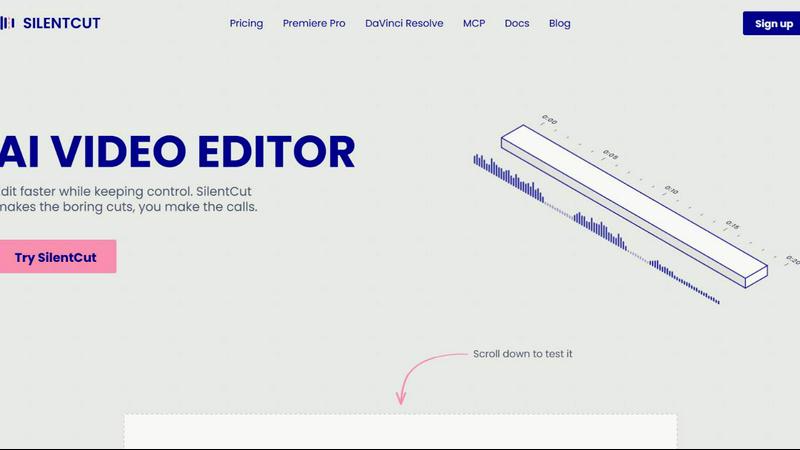
SilentCut is an AI video editor for recordings built around speech. It finds silences, filler words, and repeated takes, then applies cuts in one pass for the editor to review. The aim is to take routine cleanup off the timeline while leaving editorial decisions in human hands.
The product is available in a browser and as plugins for Premiere Pro and DaVinci Resolve. Its free tier includes unlimited Silence Remover use, but limits users to one job at a time. Speech Cleanup and Best-Take Selector are listed with the paid Editor plan, so creators who need those tools should compare their expected monthly footage with the plan's AI-hour allowance.
Features
- Finds and cuts silent gaps, with adjustable sensitivity.
- Removes filler words and selects among repeated takes using AI tools.
- Offers a browser editor and plugins for Premiere Pro and DaVinci Resolve.
- Free tier includes unlimited Silence Remover use and one job at a time.
Use cases
- Clean up talking-head recordings before detailed editing.
- Reduce manual silence trimming for frequent short-video production.
- Work from a Premiere Pro or DaVinci Resolve sequence using the corresponding plugin.
Frequently asked questions
Does SilentCut make cuts automatically?
It applies cuts for silences, filler words, and repeated takes in one pass, then leaves the result for review.
What can I use on the free plan?
The free plan includes unlimited Silence Remover use and one job at a time. Speech Cleanup and Best-Take Selector are listed on the Editor plan.
Where can I use SilentCut?
The product is offered in a browser and through plugins for Premiere Pro and DaVinci Resolve.
Similar products
Compare alternatives
FoxyLab
FoxyLab creates editable videos and banner sets for product marketing from chat briefs or website URLs.

goshortsai
Animate images and build AI video concepts with motion transfer, presets, and daily free credits for signed-in creators.

Flux3Max.io
Flux3Max.io generates 5 to 20 second videos with sound from text, still images, or a timeline of up to 10 keyframes.

Clean Audio
Clean Audio is a free browser noise remover for speech recordings and videos, with local processing and adjustable reduction strength.

Tip Toeing in My Jordans AI
Turn one or two photos into a 12-second Rumpelstiltskin tiptoe meme video, with AI sound and vertical or widescreen formats.

Vikas Editor AI
Make editable AI portraits, festival imagery and short photo animations with prompts tailored to your visual idea.

Pavo AI
Pavo AI creates text-prompted videos up to 15 seconds and images with four models, plus controls for quality, duration, and aspect ratio.

ImageTextTools
ImageTextTools replaces words, prices, and dates inside images while using the original lettering, color, and texture as visual references.