AI Video/Image Generator vs RemoveTexts
Side-by-side comparison to help you choose the right product.

AI Video/Image Generator
Transform any 2D image into a detailed 3D model instantly with AI.
Last updated: March 1, 2026

RemoveTexts
RemoveTexts is a free AI tool that instantly removes any text or watermark from your images with a simple brush.
Last updated: March 11, 2026
Visual Comparison
AI Video/Image Generator
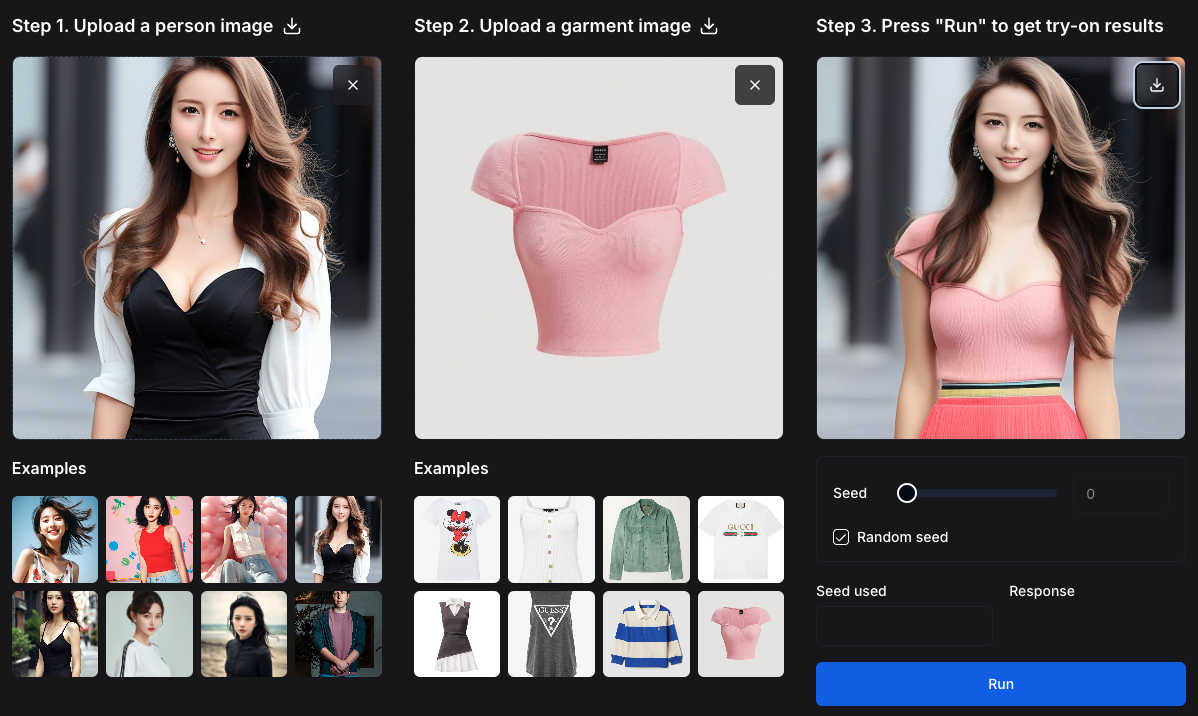
RemoveTexts

Feature Comparison
AI Video/Image Generator
Context-Aware Image Generation & Editing
This feature solves the problem of inconsistent character and object generation across multiple images. By understanding and preserving context from reference images, it allows you to create a character or product and then consistently place it in new scenes or poses using text prompts. This eliminates the frustrating trial-and-error of traditional AI generators, ensuring brand assets and visual narratives remain coherent.
Precise Local Editing with Text Guidance
Addressing the challenge of making specific changes without starting from scratch, this feature enables targeted modifications. You can select an area of an image and use a text prompt to change it-for instance, altering clothing, adding an accessory, or modifying the background-while the rest of the composition remains perfectly intact. This provides granular control that mirrors professional editing software but with AI speed.
Complex Multi-Step Instruction Following
This capability tackles the difficulty of executing detailed, sequential creative requests. The model can process and execute a series of instructions in a single prompt, such as "create a scene, then change the weather, then add a character in the foreground." This reduces the need for multiple generations and manual compositing, streamlining complex creative workflows into a single, efficient step.
Advanced 3D Reconstruction with Any 3D
This integrated feature solves the high barrier to 3D model creation. The Any 3D module can transform any standard 2D image into a detailed, textured 3D object or human model in seconds. It includes specialized models for objects/scenes and human body estimation, handling occlusions and complex postures. This turns simple photos into interactive 3D assets instantly, bypassing the need for expensive scanning equipment or expert modeling skills.
RemoveTexts
Paint to Remove
This feature gives you precise control over the text removal process. Simply upload your image and use a digital brush to paint directly over the specific words, watermarks, or captions you want to erase. The AI then processes only the painted areas, ensuring you can remove text selectively while keeping other desired text intact. It's perfect for targeted edits where auto-detection might be too broad.
Auto Remove All Text
For images cluttered with multiple text elements, this one-click feature is a massive time-saver. The AI automatically scans your entire image, detects every instance of text—including watermarks, subtitles, date stamps, and overlays—and removes it all simultaneously. It seamlessly reconstructs the background in each area, delivering a completely clean image in seconds without any manual selection required.
Edit & Replace Text
Go beyond simple removal by editing existing text directly within your image. This powerful feature allows you to change words or phrases, and the AI will generate new text that matches the original font style, size, and color. It intelligently blends the new text into the background, making it look as if it was part of the original image, which is ideal for updating graphics or correcting mistakes.
Remove Objects
While focused on text, RemoveTexts also provides a versatile object removal tool. You can erase unwanted visual elements like logos, people, or distracting objects from your photos. Using the same brush tool, you paint over the object, and the AI fills in the space by analyzing the surrounding pixels, effectively removing the element while preserving the natural look of the image background.
Use Cases
AI Video/Image Generator
Marketing & Advertising Campaigns
Create entire suites of consistent visual assets for campaigns. Generate a product hero image, then produce numerous contextual banners, social media posts, and ad variations featuring that product in different settings, all while maintaining perfect visual consistency. This drastically speeds up campaign rollout and ensures strong brand recognition.
Concept Art & Storyboarding
Rapidly visualize ideas for films, games, or books. Artists and directors can generate key scenes, iteratively edit character designs or environments based on feedback, and maintain character consistency across a sequence of storyboard frames. This accelerates the pre-production process and helps teams align on creative direction faster.
E-commerce & Product Visualization
Generate lifestyle images for products without expensive photoshoots. Upload a product photo and place it consistently in various room settings or usage scenarios. Furthermore, use the Any 3D feature to create interactive 3D models of products from a single catalog image, enhancing online shopping experiences with spin-to-view functionality.
Architectural Visualization & Interior Design
Quickly create and modify visualizations of spaces. Start with a reference image of a room, then use text prompts to change furniture styles, wall colors, or lighting conditions. For existing structures, use Any 3D to convert 2D building photos into 3D models for preliminary analysis or client presentations.
RemoveTexts
Cleaning Product Photos for E-commerce
Online sellers can use RemoveTexts to quickly clean up product images by erasing promotional watermarks, price tags, or distracting text overlays from supplier photos. This results in professional, brand-consistent imagery for their storefronts and marketing materials, helping products look their best and improving conversion rates without a graphic designer.
Preparing Professional Screenshots and Presentations
Professionals creating tutorials, reports, or presentations often need clean screenshots. RemoveTexts allows them to easily brush away irrelevant UI elements, browser tabs, personal data, or system watermarks from screenshots. This ensures the focus remains on the intended content, making documents and slides look polished and professional.
Redacting Sensitive Information
Legal, real estate, and administrative professionals frequently need to share documents while protecting private data. RemoveTexts provides a fast way to redact names, addresses, account numbers, or other sensitive text from scanned documents or photos before distribution, helping maintain confidentiality and comply with privacy regulations.
Creating Clean Social Media and Marketing Graphics
Content creators and marketers can repurpose existing images by removing outdated captions, website URLs, or competitor logos. This feature is perfect for refreshing old graphics, creating versatile visual assets from branded templates, or simply removing unwanted text from memes and photos to make them more shareable and on-brand.
Overview
About AI Video/Image Generator
FLUX.1 Kontext Image Generator is a revolutionary AI-powered tool designed to solve the complex challenges of professional image creation and editing. It goes beyond simple text-to-image generation by understanding and preserving context, allowing users to create, transform, and edit images using a combination of text instructions and reference images. This technology is built on the advanced FLUX.1 Kontext suite of generative flow matching models, enabling a level of control and consistency previously difficult to achieve. It is ideal for digital marketers, content creators, graphic designers, and businesses that need to produce high-quality, consistent visual assets rapidly. The core value proposition lies in its ability to maintain character and object consistency across multiple scenes, perform precise local edits without altering the entire composition, and follow complex iterative instructions with minimal latency. This transforms time-consuming, multi-step design processes into a streamlined, intuitive workflow, empowering users to bring their creative visions to life with unprecedented speed and accuracy.
About RemoveTexts
RemoveTexts is a free, AI-powered online tool designed to solve a common digital problem: removing unwanted text and elements from images quickly and professionally. It eliminates the need for complex software like Photoshop by offering a simple, one-click solution. The tool uses advanced deep learning inpainting technology, similar to that pioneered by industry leaders, to intelligently detect text and seamlessly reconstruct the background, leaving no trace behind. It's built for anyone who works with images, from marketers and social media creators needing clean product photos and social graphics, to professionals redacting sensitive information from documents, or individuals wanting to tidy up personal screenshots and memes. The core value proposition is delivering high-quality, 4K output results in under 30 seconds without requiring any technical skills or design expertise, making professional image editing accessible to everyone.
Frequently Asked Questions
AI Video/Image Generator FAQ
What makes FLUX.1 Kontext different from other AI image generators?
FLUX.1 Kontext is specifically engineered for professional workflows requiring consistency and control. Its core differentiator is its advanced context preservation, allowing you to use reference images to maintain exact details of characters, objects, or styles across multiple generations. This solves the common problem of AI generators producing variable results, making it reliable for branding and sequential storytelling.
How does the Any 3D feature work, and what can I create with it?
Any 3D uses state-of-the-art AI models trained on millions of images to predict and reconstruct 3D geometry from a single 2D photo. You can upload an image of an object, a scene, or a person, and it will generate a fully textured 3D model. It is perfect for creating 3D assets for games, AR/VR, online product displays, or simple visualizations from everyday photographs.
Do I need any 3D modeling experience to use this tool?
No, you do not need any prior 3D modeling experience. The tool is designed to be accessible. For image generation and editing, you guide the AI using text prompts and reference images. For 3D creation, you simply upload a 2D image, and the AI handles the complex reconstruction process automatically. The interface and workflow are built for creators of all skill levels.
Can I use this tool for commercial projects?
Yes, the generated images and 3D models are intended for commercial use. This makes it a powerful asset for businesses, marketers, and freelancers who need to produce original visual content for clients, advertising, products, or publications without licensing concerns. Always refer to the specific terms of service for detailed usage rights.
RemoveTexts FAQ
How does RemoveTexts work?
RemoveTexts uses a sophisticated deep learning model called an inpainting neural network. When you paint over text or use the auto-remove feature, the AI analyzes the pixels surrounding the selected area. It then intelligently predicts and generates a new background that seamlessly matches the texture, color, and patterns of the original image, effectively filling in the space where the text was located without leaving any traces.
What image formats and sizes are supported?
The tool supports common image formats including JPG, PNG, and WebP. You can upload files up to 10 MB in size. This covers most high-resolution images from smartphones, cameras, and screenshots, ensuring the tool is versatile enough for a wide range of projects while maintaining a fast processing time.
Is RemoveTexts really free to use?
Yes, RemoveTexts is a free online tool. You can upload images, remove text or objects, and download the processed results without any cost or subscription. The service is designed to be accessible to everyone, and there is no watermark added to the images you download after using the tool.
What are the limitations of the tool?
The primary limitations are based on content and file size. The tool does not support processing NSFW (Not Safe For Work) content. Additionally, it is not designed for the removal of copyrighted logos or trademarks, as this could infringe on intellectual property rights. For optimal performance, ensure your uploaded image is under the 10 MB size limit.
Alternatives
AI Video/Image Generator Alternatives
AI Video/Image Generator is a powerful tool in the image and photo category, designed to create and edit visuals using artificial intelligence. It specializes in generating images from text prompts while intelligently maintaining the consistency of characters and context across multiple scenes, which is essential for professional creative workflows. Users often explore alternatives for various practical reasons. These can include budget constraints, as pricing models differ widely. Others might seek different feature sets, such as video generation capabilities, specific artistic styles, or integration with other software platforms they already use. The need for a different user experience or output quality can also drive the search. When evaluating an alternative, focus on your primary needs. Consider the core task: do you need simple image generation, or advanced editing and consistency features? Assess the cost against your budget and usage frequency. Also, check the tool's learning curve, output resolution, and the control it offers over the final result to ensure it aligns with your projects.
RemoveTexts Alternatives
RemoveTexts is an AI-powered image editing tool that specializes in removing text and objects from any image in seconds. It belongs to the category of automated, AI-driven photo editing software designed for simplicity and speed, eliminating the need for complex programs like Photoshop. Users often explore alternatives for various reasons. Some may have specific budget constraints or require a different pricing model. Others might need features that cater to a particular workflow, such as batch processing or integration with other platforms. The choice of operating system or a preference for a one-time purchase over a subscription can also drive the search for different solutions. When evaluating other options, it's crucial to consider core needs. Key factors include the accuracy and quality of the AI's inpainting technology, the speed of processing, output resolution, and ease of use. Also, assess the range of features, such as object removal or text replacement, and ensure the tool supports the languages and file types you work with most often.