Cosy vs Playwriter
Side-by-side comparison to help you choose the right product.

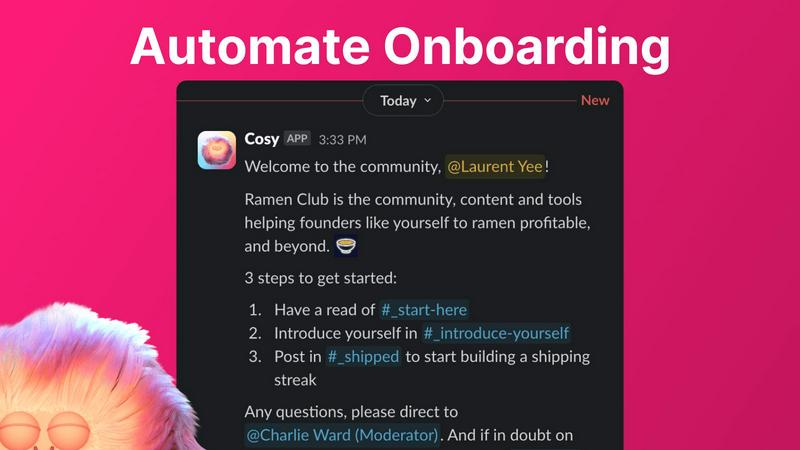
Cosy automates Slack onboarding and member introductions, saving you hours and enhancing community engagement.
Last updated: February 28, 2026

Visual Comparison
Cosy
Playwriter

Overview
About Cosy
Cosy is a powerful Slack-native application that revolutionizes how communities operate within the Slack platform. Designed specifically for community managers, team leaders, and anyone responsible for fostering engagement, Cosy addresses the tedious manual tasks that often consume valuable time. With features like automated onboarding, intelligent member introductions, and a member directory, Cosy streamlines the process of welcoming new members and facilitating connections. This means less time spent on administrative tasks and more time focusing on strategic engagement. By creating a vibrant community experience directly within Slack, Cosy eliminates the need for external tools, ensuring that members can interact, collaborate, and access valuable content seamlessly. The application is built for diverse users, including startup founders, marketing leads, and dedicated community managers, making it the go-to tool for anyone looking to cultivate a thriving community.
About Playwriter
AI agents cannot browse the web properly. They either have no browser access, or they get a fresh Chrome with no logins, no extensions, and instant bot detection. Playwriter gives them your actual browser session instead. One Chrome extension, full automation API, everything you are already logged into. Includes accessibility snapshots (5-20KB instead of 100KB+ screenshots), a debugger with breakpoints, live code editing, network interception, and video recording. Works with any MCP client: Cursor, Claude, VS Code, and more. Open source, MIT licensed.