dmaya vs Refbox
Side-by-side comparison to help you choose the right product.

dmaya
AI vibe design platform for agencies and teams. Chat with AI, generate UI designs, get client approval, and export to code.

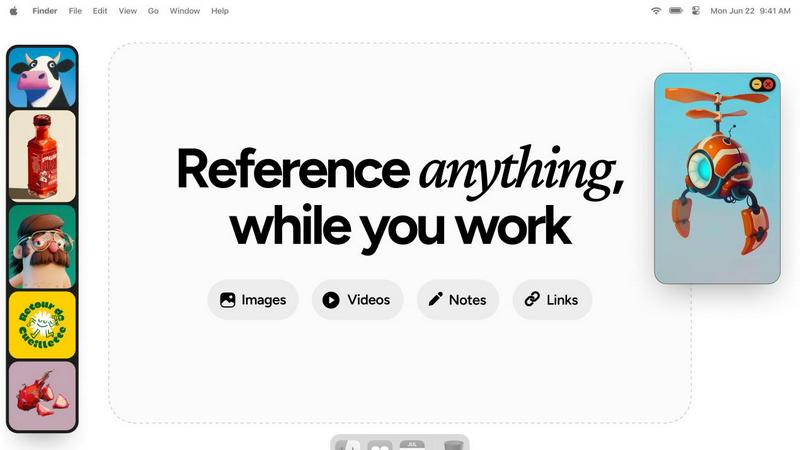
Refbox provides instant access to your images, videos, and notes, enhancing your workflow without distractions.
Last updated: February 28, 2026
Visual Comparison
dmaya
Refbox
Overview
About dmaya
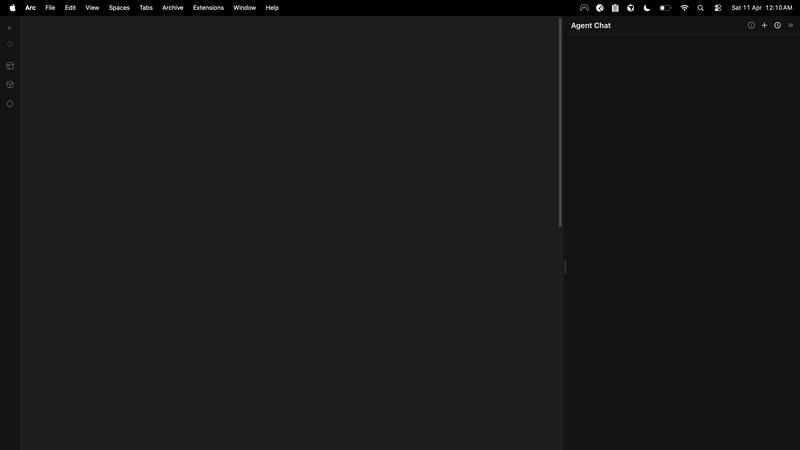
Vibe design platform built for agencies, teams, and freelancers who need to design before they code. dMaya lets you chat with an AI agent to generate professional UI designs from text descriptions. Describe a SaaS dashboard, an e-commerce flow, or a mobile app and get polished screens in seconds.
Iterate through conversation. Ask the AI to change colors, swap layouts, adjust typography, or add sections. Every change is instant and precise. Design tokens keep everything consistent across all screens automatically.
When ready, share a preview link with your client. They review in the browser, leave feedback, and approve. No account needed. The review cycle that used to take days now happens in minutes.
Once approved, export as clean HTML, CSS, and JS code. Hand it to Cursor, Claude Code, or any coding agent to build in React, Next.js, Flutter, or whatever your team uses.
Most AI tools skip design and go straight to code. dMaya gives you the visual design step where you make intentional decisions, catch problems early, and align your team before development starts. Built for teams that present, approve, and ship with confidence.
About Refbox
Refbox is an innovative floating reference application tailored for creatives who need a streamlined workflow. Designed specifically for artists, designers, and other creative professionals, Refbox enables users to pin images, GIFs, videos, and notes in always-on-top frames, ensuring that inspiration is always visible while working on projects. By reducing the need for constant window switching—common during sketching, designing, animating, or modeling—Refbox enhances productivity and focus. Users can easily import media from various sources, including their computer, web, or clipboard, into a customizable sidebar. With versatile viewing modes like Masonry Mode and a full-screen Gallery, Refbox is perfect for users who wish to optimize their creative environment. The app also features markdown-enabled notes and the ability to save links as bookmarks, making it an indispensable tool for anyone seeking to keep their references and inspirations at their fingertips.