
Crawlkit vs StatPecker
Side-by-side comparison to help you choose the right product.

Crawlkit
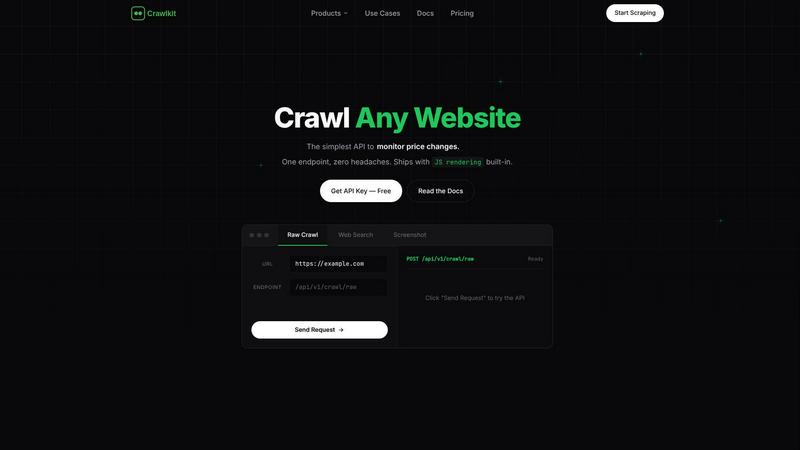
CrawlKit is an API-first platform that simplifies web scraping, enabling developers to extract structured data.
Last updated: February 28, 2026

StatPecker
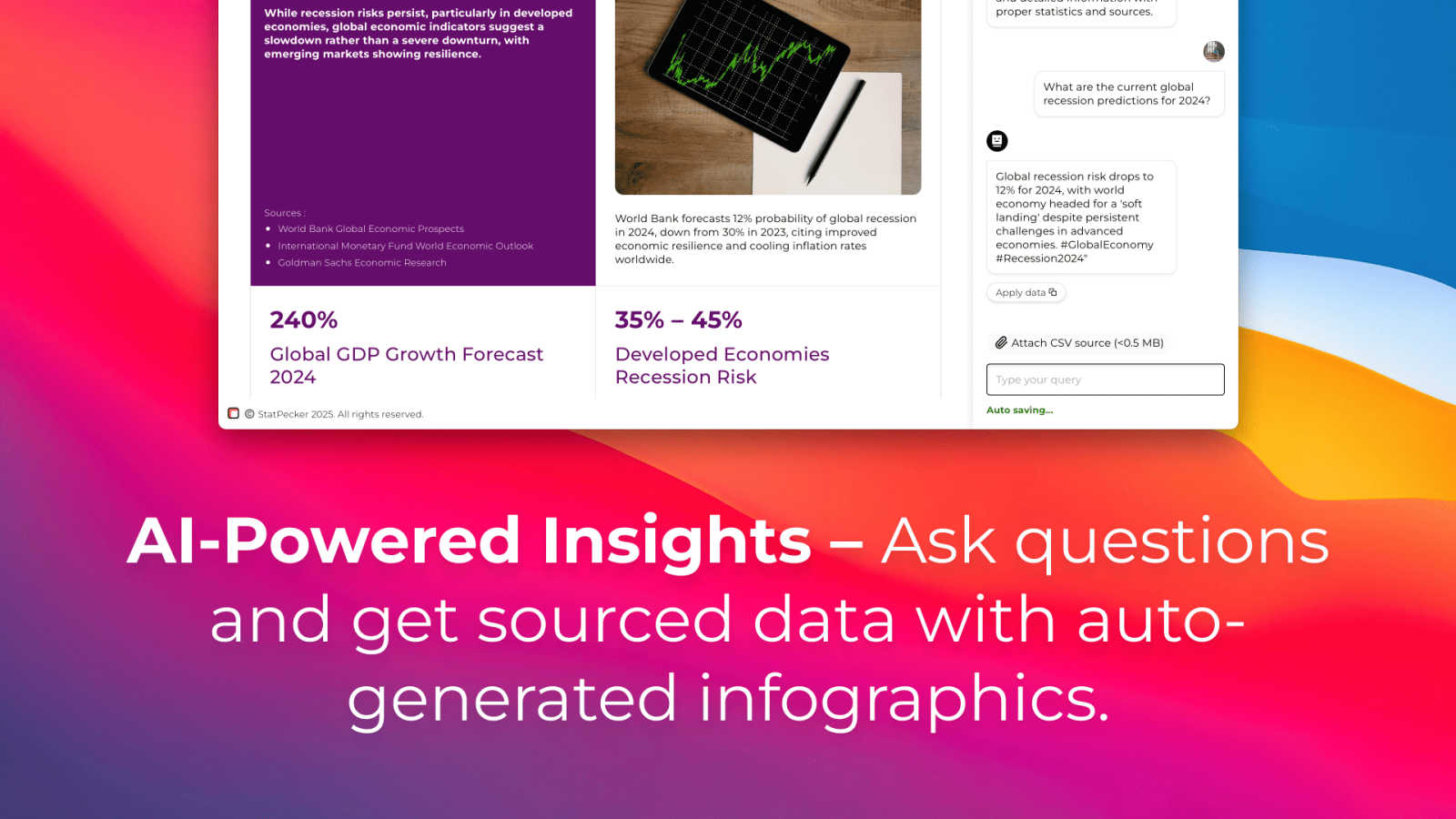
StatPecker delivers fast AI-driven insights and stunning visuals from your data for effective business storytelling.
Last updated: March 1, 2026
Visual Comparison
Crawlkit
StatPecker
Feature Comparison
Crawlkit
Streamlined Data Extraction
CrawlKit simplifies the process of web data extraction by allowing users to make a single API call for structured data from various websites and platforms. This feature eliminates the need for multiple tools and provides a consistent interface across all data sources.
Robust API Integration
CrawlKit integrates smoothly with popular programming languages and automation tools, including Node.js, AWS, and Curl. This flexibility ensures that developers can utilize CrawlKit within their existing workflows without facing compatibility issues.
Automatic Proxy Management
Managing proxies can be a hassle, but CrawlKit automates this process. It rotates proxies seamlessly, ensuring uninterrupted access to data and minimizing the risk of being blocked by target websites.
Reliable Data Outputs
CrawlKit guarantees that users receive complete and validated data outputs. The platform waits for full page loads, ensuring that the data collected is accurate and comprehensive, eliminating the frustration of dealing with incomplete or broken results.
StatPecker
Ask Your Query
This feature allows users to gain instant insights from validated sources simply by asking questions. There is no need for complex tools or extensive data manipulation; users can easily request information and receive immediate, accurate responses.
Publish & Embed
With this feature, users can create interactive visuals that are seamlessly integrated into various platforms such as blogs, articles, and websites. This capability enhances the user’s ability to communicate data-driven insights effectively and attractively.
Upload & Analyze CSVs
StatPecker enables users to upload local CSV files, facilitating the extraction of key insights without the hassle of traditional spreadsheet software. This feature allows data analysis to be performed quickly and efficiently, streamlining the process of data visualization.
Download & Use Anywhere
Users can export their created infographics as images, making them easy to include in reports, presentations, and other formats. This flexibility ensures that users can utilize their visuals wherever needed, enhancing the overall impact of their data storytelling.
Use Cases
Crawlkit
CRM Data Enrichment
CrawlKit can be used to automatically enrich customer relationship management (CRM) systems with valuable LinkedIn profile data. By pulling in job titles, company information, and contact details, businesses can enhance their lead profiles and improve their sales strategies.
Competitive Analysis
Companies can utilize CrawlKit to monitor competitors by extracting data from their social media profiles, websites, and app listings. This enables businesses to stay informed about competitor activities, pricing, and new product launches, fostering a data-driven approach to strategy.
Social Media Metrics Tracking
Marketers can leverage CrawlKit to track key metrics on social platforms like Instagram. By monitoring follower counts, engagement rates, and the performance of specific posts, businesses can refine their social media strategies and improve audience engagement.
App Review Aggregation
CrawlKit allows users to collect and analyze app reviews from platforms like the App Store and Play Store. This data can be invaluable for understanding user sentiment, identifying common issues, and enhancing product development based on user feedback.
StatPecker
Content Creation
Content creators can use StatPecker to generate engaging infographics that visually represent data within their articles or blogs. This visual enhancement attracts readers' attention and improves comprehension of complex information.
Data Analysis
Data analysts can leverage StatPecker to quickly visualize trends and patterns from large datasets. By transforming raw data into actionable insights, analysts can present findings to stakeholders more effectively, facilitating informed decision-making.
Marketing Campaigns
Marketers can utilize StatPecker to create compelling visuals that illustrate campaign performance metrics. These infographics can be shared with teams and clients to highlight successes and areas for improvement, driving strategic discussions.
Education and Learning
Educators and students can benefit from StatPecker by creating informative visuals for presentations and assignments. This tool simplifies the process of conveying intricate concepts, making learning more engaging and enjoyable.
Overview
About Crawlkit
CrawlKit is an advanced web data extraction platform designed for developers and data teams who require efficient, scalable access to web data without the burden of managing their own scraping infrastructure. In an age where web scraping presents numerous challenges—including rotating proxies, headless browsers, anti-bot measures, and rate limits—CrawlKit offers a solution that simplifies these complexities. Users can send a straightforward request, and CrawlKit seamlessly handles proxy rotation, browser rendering, retries, and other blocking measures. This allows teams to concentrate on leveraging the extracted data rather than wrestling with the intricacies of data collection. With a unified interface, CrawlKit enables users to extract diverse types of web data, including raw HTML content, search results, visual snapshots, and professional data from websites like LinkedIn. Whether you're a startup or an established enterprise, CrawlKit equips you with the necessary tools to harness the web's vast information efficiently.
About StatPecker
StatPecker is an innovative AI-powered data visualization tool that transforms raw data into stunning, professional visuals within seconds. Designed to streamline the laborious process of data storytelling, it allows users to convert spreadsheets, CSV files, or simple queries into engaging infographics without needing design expertise. This tool is perfect for professionals across various fields, including content creators, journalists, data analysts, marketers, educators, and students. By automating the creation of visuals, StatPecker not only saves time and costs but also enhances the clarity and engagement of data communication. Users can focus on crafting compelling narratives and making informed decisions rather than getting bogged down in the complexities of chart creation. With StatPecker, advanced data visualization is no longer exclusive to specialists; it is accessible to everyone, empowering users to communicate insights effectively and visually.
Frequently Asked Questions
Crawlkit FAQ
What types of data can I extract with Crawlkit?
CrawlKit allows you to extract structured data from various platforms, including LinkedIn, Instagram, app stores, and more. You can retrieve company data, user profiles, reviews, and search results with ease.
Is there a limit on API calls with Crawlkit?
CrawlKit operates on a credit-based system with no monthly commitments or rate limits. Users can purchase credits as needed, and these credits never expire, allowing for flexible usage.
How does Crawlkit handle data collection challenges?
CrawlKit automates the complexities of data collection, including proxy rotation, rendering, and dealing with anti-bot protections. This means users can focus on analyzing data rather than troubleshooting collection issues.
Can I integrate Crawlkit with my existing tools?
Yes, CrawlKit is designed to work with any programming language and automation tool. Its simple HTTP API allows seamless integration into your current workflows without any restrictions.
StatPecker FAQ
How does StatPecker ensure data privacy?
StatPecker prioritizes user privacy by conducting all data analysis locally on the user's device. This means that your data stays secure and is not transmitted over the internet, ensuring confidentiality.
Can I use StatPecker for large datasets?
Yes, StatPecker supports CSV uploads of up to 50 MB, allowing users to analyze substantial datasets efficiently. This capability ensures that users can still extract meaningful insights from larger files.
Is there a free version of StatPecker available?
Absolutely! StatPecker offers a free tier that allows users to create unlimited projects and embeds, making it easy to get started with data visualization without any upfront cost.
What types of visuals can I create with StatPecker?
Users can create a wide variety of infographics, including charts, graphs, and interactive visuals. These can be tailored to suit different presentation styles and purposes, ensuring effective communication of data insights.
Alternatives
Crawlkit Alternatives
CrawlKit is an API-first web scraping platform designed primarily for developers and data teams who need seamless and scalable access to web data. This powerful tool allows users to extract diverse types of data from any website without the complexities associated with building and maintaining their own scraping infrastructure. Users often seek alternatives due to factors like pricing, specific feature requirements, or compatibility with their particular platform needs. When considering an alternative to CrawlKit, it's essential to evaluate the pricing structure, the range of features offered, ease of integration, and the overall reliability of the service. Look for options that simplify the data extraction process, provide robust support, and ensure high success rates in scraping, enabling you to focus on deriving insights rather than managing technical complexities.
StatPecker Alternatives
StatPecker is an AI-powered data visualization tool that streamlines the process of transforming raw data into compelling visuals. It fits within the analytics and data category, providing businesses with quick insights and stunning infographics from their datasets. Users often seek alternatives to StatPecker for various reasons, including pricing structures, specific feature sets, or compatibility with different platforms. When choosing an alternative, it’s essential to consider factors such as ease of use, the flexibility of data integration, the quality of visual outputs, and the overall value it brings to your data storytelling needs.