
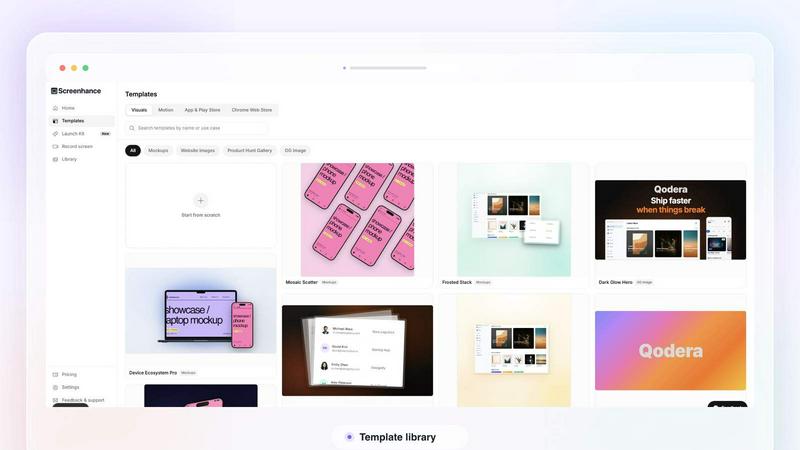
About Screenhance
Screenhance is an all-in-one visual creation toolkit for founders, developers and marketers. Turn ordinary images, screenshots into polished device mockups, App Store screenshot sets, website graphics, social assets and animated product videos. Create visuals using customizable templates, device frames, backgrounds, text and motion, or record your screen and transform the recording into a professional product demo. Screenhance also helps you build coordinated launch assets for channels such as Product Hunt and social media. Export your work as high-quality images, GIFs or videos, without needing professional design or video-editing skills.
Similar to Screenhance

Create and edit AI images through conversation, using text or reference images and refining results in chat.

Clone any webpage pixel-perfect, export HTML/CSS/ZIP or React/Vue components.

Explore open-source creative software by workflow, platform and development stage, with comparisons and official project links.

Generate iOS and Android app icons from any image and export all platform sizes for free.

Free, open-source 2D CAD app in Rust: command-line drafting, layers, dimensions, DWG/DXF support, and AI-agent automation via MCP/CLI.

Free AI image and video studio with no sign-up: generate images from text or photos, turn prompts into short videos, plus editing and upscaling.

Paste a URL and AI designs on-brand Open Graph images from your page's colours, fonts and logo. Free, no sign-up.

Free Online Screen Test Tool - Instantly diagnose dead pixels, lines, color issues, and flickering. Multiple test modes, no download needed.