
SVG to 3D
Effortlessly convert your SVG files into stunning, web-ready 3D models with advanced controls and fast processing.
Visit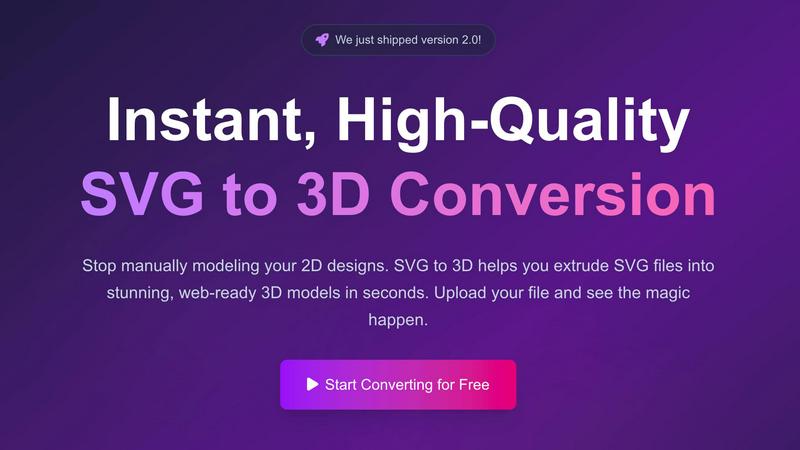
About SVG to 3D
SVG to 3D is a cutting-edge online tool designed to seamlessly transform 2D SVG vector graphics into high-quality 3D models in a matter of seconds. Whether you're a web developer aiming to enhance your digital projects, a designer looking to create visually striking graphics, or a 3D printing enthusiast who needs clean STL files, this product caters to a diverse range of users. The primary value proposition lies in its ability to eliminate the cumbersome processes associated with traditional modeling software like Blender or C4D. With an intuitive interface and advanced functionalities, SVG to 3D allows you to upload your SVG files and instantly convert them into stunning 3D models. The tool emphasizes speed, quality, and user-friendliness, making it the perfect solution for professionals who require quick, efficient, and high-quality 3D conversions.
Features of SVG to 3D
One-Click to GLB for the Web
This feature allows users to export their 3D models directly as GLB files, optimized for web usage. Perfect for developers, these files can be easily integrated into Three.js or React Three Fiber projects, adding a dynamic 3D element to websites without the need for complex coding.
3D-Print Ready STL Exports
SVG to 3D supports seamless STL file exports, ensuring your designs are ready for 3D printing with minimal effort. This feature is particularly beneficial for creators who wish to fabricate their 3D models, eliminating the need for additional software.
Advanced Material and Bevel Controls
Users can go beyond mere extrusion by adjusting thickness, bevels, and applying realistic PBR materials. This advanced control allows for a more professional finish, enabling users to create visually appealing models that stand out in any project.
Lightning-Fast Processing
With optimized algorithms, SVG to 3D guarantees swift conversion of SVG files into 3D models. Users experience a rapid turnaround time, with conversions completed in seconds rather than minutes, making it the fastest tool available online for this purpose.
Use Cases of SVG to 3D
Creating Interactive 3D Web Elements
Web developers can easily convert SVG icons and logos into interactive 3D models suitable for modern web applications. This capability enhances user engagement by providing visually interesting elements that can be manipulated in real-time.
Developing Prototypes for 3D Printing
Designers and engineers can utilize the STL export feature to create prototypes directly from their SVG designs. This streamlined workflow simplifies the process of turning digital concepts into tangible objects without needing complex CAD software.
Enhancing UI/UX Presentations
User interface and user experience designers can leverage SVG to 3D to add depth and realism to their mockups. By integrating 3D models into presentations, designers can effectively communicate ideas and impress clients or stakeholders.
Crafting Unique Merchandise
Entrepreneurs and hobbyists can create custom merchandise by converting their unique SVG designs into 3D models. These models can then be used for 3D printing, allowing for the production of one-of-a-kind items that reflect personal branding or artistic expression.
Frequently Asked Questions
What file formats can I export my 3D models to?
You can export your 3D models in multiple formats including GLB, GLTF, OBJ, and STL, ensuring compatibility with various 3D frameworks and applications.
Is there any software installation required to use SVG to 3D?
No software installation is required. SVG to 3D operates entirely in your web browser, making it easily accessible from any device without downloading additional applications.
How secure is my design when using SVG to 3D?
SVG to 3D prioritizes user privacy by processing files locally in your browser whenever possible. This means your designs remain secure and are not uploaded to external servers.
Can I use SVG to 3D for commercial projects?
Yes, SVG to 3D can be utilized for both personal and commercial projects, making it a versatile tool for designers, developers, and creators in various industries.
Similar to SVG to 3D

Signage and kiosk infrastructure for AI agents. Your agent publishes images, video, streams, web pages and apps to screens via one plugin.screenRIG is

Free YouTube transcripts on the web, a Chrome extension, and an API + MCP server so AI assistants can read YouTube.

Soul Cinema turns a written shot into film-grade stills with cinematographer lighting, Soul ID character consistency across a sequence, reusable looks

Built2WinWeb builds high-performance custom PHP websites, ecommerce stores, and AI discovery infrastructure that make your site readable by AI.


Turn any image into editable layers with AI—separate subject, background, and objects as transparent PNG layers.


Find an AI tool by the job you need done, not the buzzword.