

Alternatives to Shrinkpad
Shrinkpad compresses images and videos in bulk on Mac to save you time and disk space effortlessly.
Explore 20 alternatives to Shrinkpad. Compare features, pricing, and find the best fit for your needs.
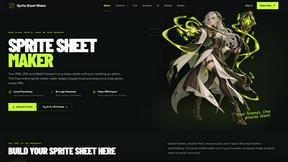
Sprite Sheet Maker
A free browser-based toolkit for creating, cutting, converting, and previewing sprite sheet animations.
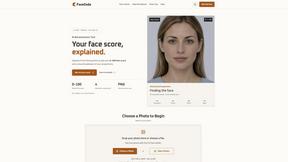
FaceCoda
Free AI attractiveness test and face analysis with private, on-device photo processing.

Product Launch Checklist
A free launch checklist for SaaS, apps, AI tools and more. Every step says why it matters and when you can skip it.
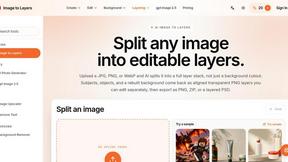
Image to Layers AI
Turn any image into editable layers with AI—separate subject, background, and objects as transparent PNG layers.

Video2URL
Turn videos, images, and files into secure direct links for sharing, embedding, and automated workflows.

Nano Editor
NanoEditor is an AI-powered D&D portrait generator that turns character details like ancestry, class and gear into focused fantasy RPG art.

AI Image Editor
Free AI image editor that edits, retouches, and transforms photos with natural-language text prompts.
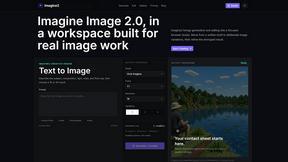
Imagine2
Private browser-based AI image generation and editing with text-to-image, targeted edits, and multi-image references.

Photo to Excel
Turn table photos and screenshots into editable Excel files with Photo to Excel. Merge images, remove duplicates, preview, and download free.

StopScroll
StopScroll is an AI thumbnail maker that generates YouTube thumbnail concepts from a URL, title, or prompt.


IsThisAIImage
Free online AI image and deepfake checker. Upload a photo for AI-generated and deepfake scores, a clear verdict, and optional generator hints.
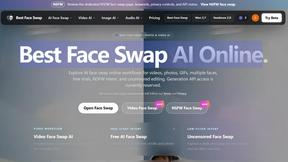
Best Face Swap
Best Face Swap delivers frame-consistent AI face replacement for photos, videos, and GIFs with dedicated workflows for free, NSFW, and multi-face.
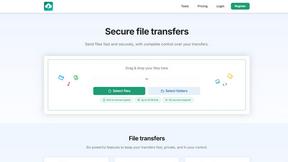
HypeShare
HypeShare lets you send large files up to 10GB securely with end-to-end encryption and no signup required.
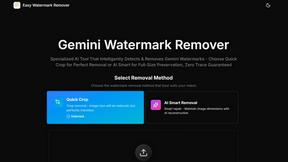
Easy Watermark Remover
Remove Google Gemini watermarks and SynthID from images instantly with AI smart cleanup or quick crop, no signup or extension required.
AsciiArt
AsciiArt is a free online tool that effortlessly transforms text and images into stunning ASCII art using over 50 unique FIGlet fonts.
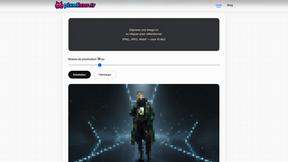
Pixeliser
Pixeliser is a free, client-side tool that instantly pixelizes images to protect privacy or create pixel art, all while ensuring confidentiality.
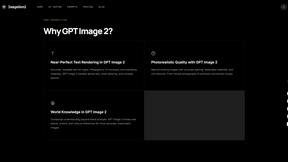
ImageGen2
Generate photorealistic images with accurate text and precise edits using GPT Image 2, all for free.

Art & See Custom Oil Painting Portraits
Turn cherished photos into timeless, hand-painted oil portraits that capture every detail and emotion your loved ones deserve.

Nano Banana AI
Nano Banana AI is an intuitive platform that transforms your ideas into stunning visuals through AI-powered image generation and editing.
About Shrinkpad Alternatives
Shrinkpad is a dedicated macOS application for batch compressing images and videos, falling squarely into the image and photo optimization category. It's designed to save users significant time and disk space by processing large volumes of media files locally on their computer. Users often explore alternatives for various practical reasons. These can include budget constraints, a need for different features like advanced editing tools or format support, or a requirement to use the software on other platforms such as Windows or online. The search for a different tool is a normal part of finding the perfect fit for one's specific workflow and technical environment. When evaluating other options, key considerations should include the supported platforms, the range of input and output formats, the level of control over compression settings, and where the processing occurs. Prioritizing tools that handle your most common file types and align with your privacy preferences regarding local versus cloud processing will lead to a more satisfactory choice.
FAQs about Shrinkpad Alternatives
What is Shrinkpad?
Shrinkpad is a powerful desktop application for macOS that specializes in batch compressing images and videos to save disk space while maintaining visual quality.
Who is Shrinkpad for?
It is ideal for photographers, designers, content creators, and anyone who regularly works with large collections of media files on a Mac.
What are the main features of Shrinkpad?
Its core features include batch processing of hundreds of files, local on-device compression for privacy, intelligent quality optimization, and support for over 50 media formats.
Is Shrinkpad secure?
Yes, Shrinkpad processes all files locally on your Mac using native frameworks, so your media never needs to be uploaded to the cloud, ensuring complete privacy and security.