Picool.ai vs Prompt Builder
Side-by-side comparison to help you choose the right product.

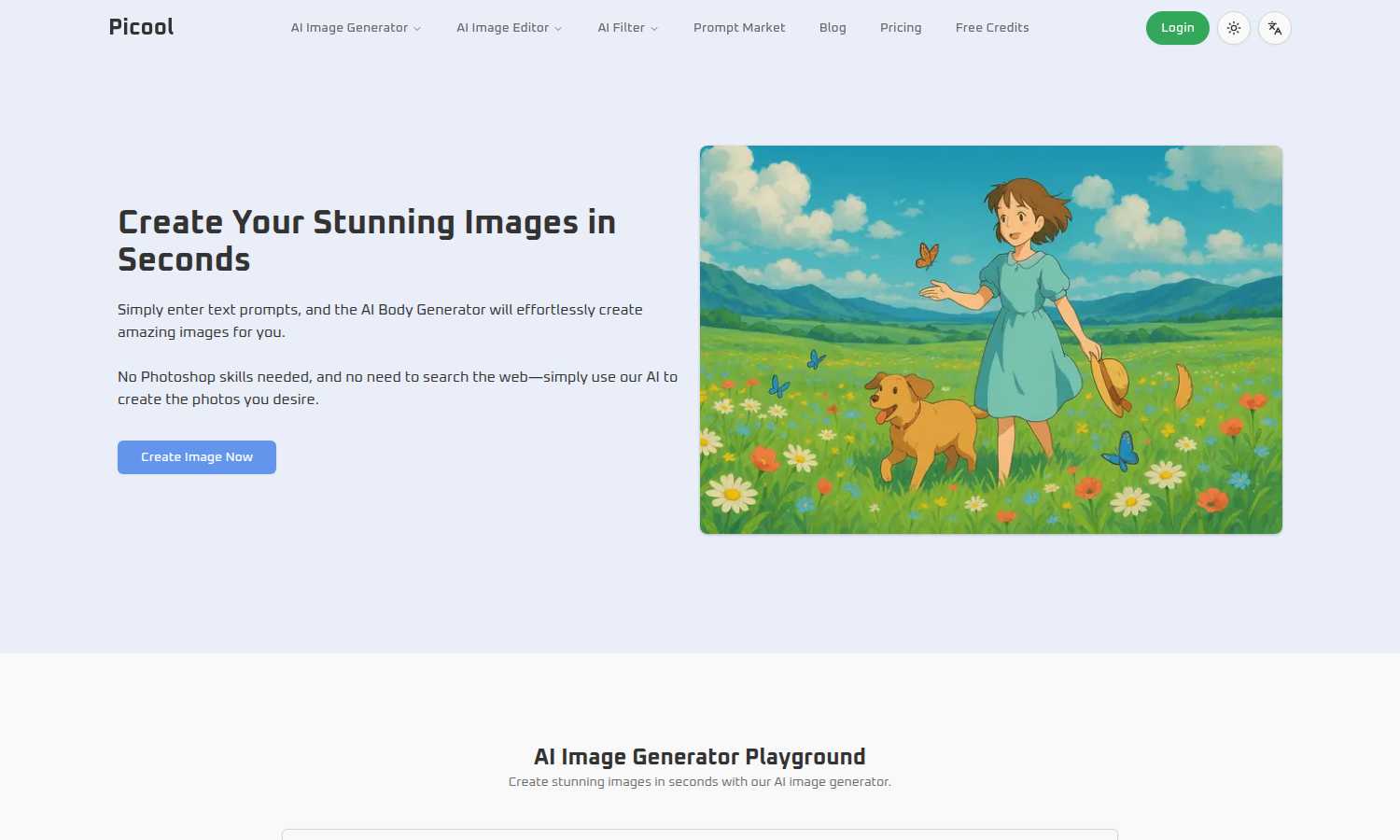
Picool.ai instantly creates stunning images from your text prompts with no design skills needed.
Last updated: March 1, 2026

Prompt Builder
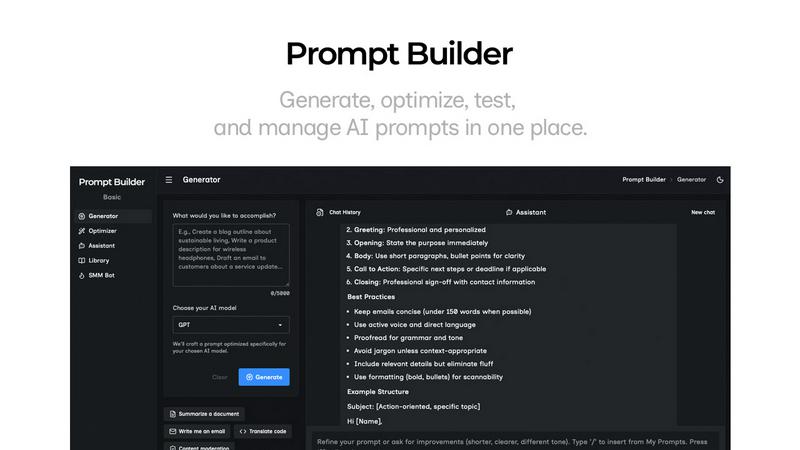
Generate, optimize, test, and manage AI prompts in one place. Turn an idea into a ready-to-use prompt in seconds.
Visual Comparison
Picool.ai
Prompt Builder
Overview
About Picool.ai
Picool.ai is an all-in-one, web-based AI image processing platform designed to solve the common creative bottlenecks faced by marketers, designers, content creators, and businesses. It eliminates the need for complex software like Photoshop or expensive stock photo subscriptions by providing a suite of powerful, AI-driven tools in one accessible location. The core value proposition is simple: empower anyone to create, edit, and enhance professional-quality images quickly and affordably, regardless of their technical skill level. At its heart is a cutting-edge AI Image Generator that transforms detailed text prompts into stunning visuals across styles like Realistic, Cartoon, Anime, and Digital Art. Beyond generation, Picool.ai offers practical utilities like background removal, watermark removal, and object removal, making it a comprehensive solution for everyday image editing tasks. By combining an intuitive interface with advanced neural network technology, Picool.ai democratizes high-quality visual content creation, saving users time, money, and frustration.
About Prompt Builder
Prompt Builder is a prompt engineering workspace for writing, testing, and saving prompts. Describe the task in plain English, and it helps you create a prompt that matches the model you choose. Start with a draft, refine it in chat, save or pin versions, then run them when you are ready. It works with GPT, Claude, Gemini, Llama, Mistral, DeepSeek, Grok, Perplexity, and more. You also get an Optimizer, an assistant for quick tests, and a library of reusable prompts and templates from the community. Turn an idea into a ready-to-use prompt in seconds. Refine it in chat, save it to your Library, and run it anytime.