
BlazePDF
Highlight faster. Study in flow with custom shortcuts and a workflow built around you. Print smarter, or turn any page into a tiled poster.
Visit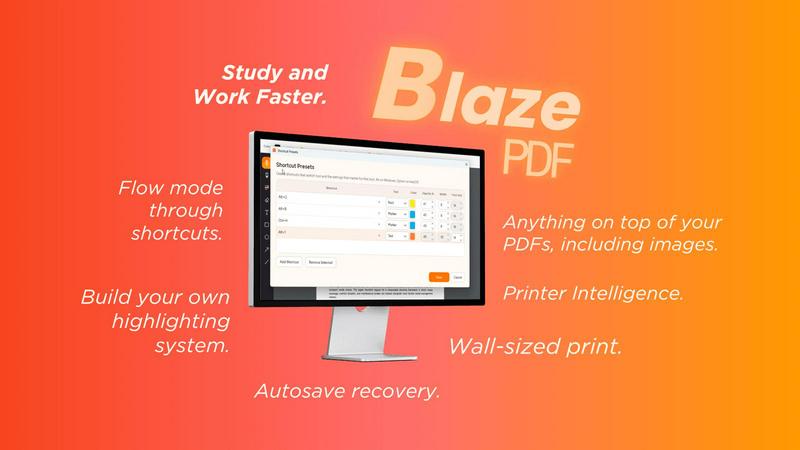
About BlazePDF
BlazePDF is a fast, intuitive PDF app built around how students actually study. Highlight and annotate faster, add images, use familiar keyboard shortcuts, and move through documents without breaking your flow. BlazePDF focuses on the small interactions students repeat constantly and makes them faster and more natural, with customizable tool switch shortcuts, autosave, and an interface designed especially for laptop-based studying.
Explore more in this category:
Similar to BlazePDF

Free fullscreen light screen tool online. Turn any display into a flashlight, ambient light, or solid-color screen. No download or sign-up.

Free text expander, Markdown notes app and clipboard manager for Mac and Chrome

Create a free live poll, share a QR code, and watch the votes come in live.

Fast file search for the Mac. Results as you type, files inside Mail and Photos, works with Wi-Fi off. $19 once.

Eighteen PDF tools in one native Mac window: merge, split, compress, OCR, Bates numbering, forms, signing and redaction. Offline. $29 once.

Hold a key, say what you mean, let go. Clean, punctuated text lands at the cursor in any app on your Mac or iPhone.

Mainspring turns the settings macOS hides into 90+ one-click, fully reversible power-ups for Finder, Dock, screenshots and more. $29 once.
