

Alternatives to CustomTattoo AI
CustomTattoo AI turns your tattoo ideas into realistic on-skin previews so you can confidently bring clear, artist-ready concepts to your next.
Explore 20 alternatives to CustomTattoo AI. Compare features, pricing, and find the best fit for your needs.
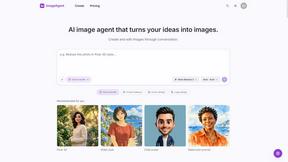
ImageAgent
Create and edit AI images through conversation, using text or reference images and refining results in chat.
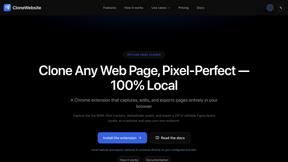
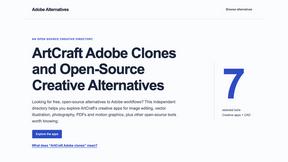
Adobe Alternatives
Explore open-source creative software by workflow, platform and development stage, with comparisons and official project links.
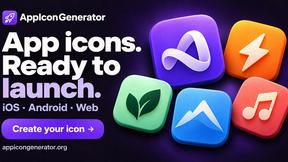
AppIconGenerator
Generate iOS and Android app icons from any image and export all platform sizes for free.
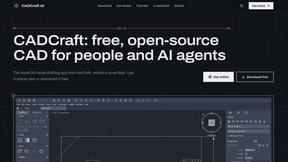
CADCraft
Free, open-source 2D CAD app in Rust: command-line drafting, layers, dimensions, DWG/DXF support, and AI-agent automation via MCP/CLI.
FreeCreate
Free AI image and video studio with no sign-up: generate images from text or photos, turn prompts into short videos, plus editing and upscaling.
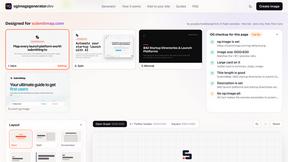
ogimagegenerator.dev
Paste a URL and AI designs on-brand Open Graph images from your page's colours, fonts and logo. Free, no sign-up.
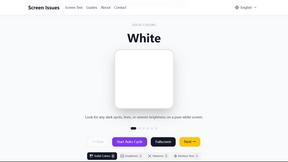
Screen Issues
Free Online Screen Test Tool - Instantly diagnose dead pixels, lines, color issues, and flickering. Multiple test modes, no download needed.
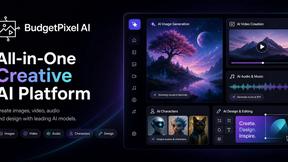
Budgetpixel AI
Create and edit AI images, videos, music, and designs in one workspace, with multiple models, reusable characters, and API access.
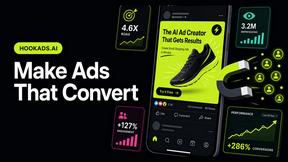
HookAds
Free ad creative hub: 1,750+ prompts behind viral AI ads, 118 hook frameworks, teardowns, swipe files and 27 free AI ad tools. Copy, remix, ship.
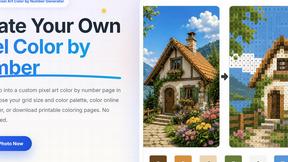
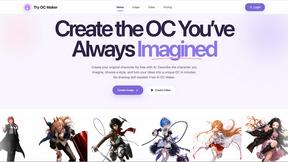
Try OC Maker
Create OCs from text or images, customize their look, and turn them into animated videos with AI.
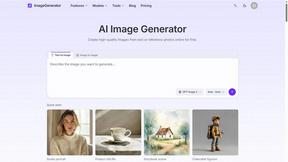
ImageGenerator
Create and edit AI images online with multiple models, text-to-image, image-to-image, background removal, and upscaling.
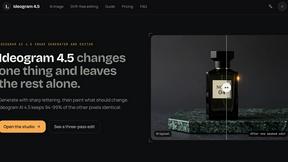
ideogram-45
AI image generation and editing with sharp typography, native 2K output, and localized edits.
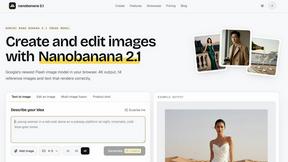
nanobanana 2.1
A fast, simple image studio powered by Nano Banana 2.1. Create and edit high-quality images with accurate details and readable text.
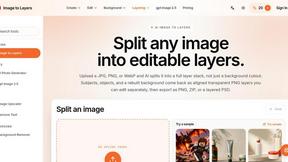
Image to Layers AI
Turn any image into editable layers with AI—separate subject, background, and objects as transparent PNG layers.
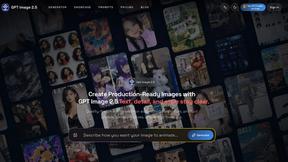
GPT Image 2 API
Generate and edit production-ready images with GPT Image 2 API, detailed prompts, reference images, clear text, and developer workflows.
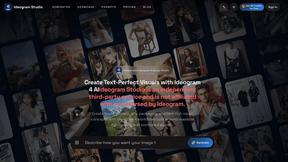
Ideogram Studio
Create readable text, logos, posters, ads, packaging, and ecommerce visuals with Ideogram 4 AI workflows.
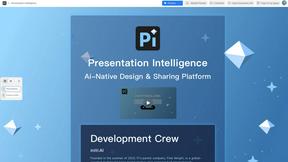
Presentation Intelligence
AI-native presentation and visual content platform that turns prompts, documents, images, videos, and data into polished, shareable decks.
About CustomTattoo AI Alternatives
CustomTattoo AI is an AI-powered design tool that helps users generate custom tattoo concepts, save their favorites, and preview them on their own skin before committing to a permanent design. It belongs to the design tools category, specifically tailored for tattoo planning, and is popular among first-time clients and enthusiasts who want to refine their visual direction. Users often look for alternatives due to factors like pricing structures, the need for different style libraries, platform compatibility issues, or a desire for more advanced editing features that go beyond what CustomTattoo AI offers. When evaluating an alternative, focus on the core capabilities that matter most for your tattoo planning workflow. Look for platforms that allow you to input detailed descriptions and generate a wide variety of artistic styles, from traditional to watercolor. Prioritize tools that offer a realistic skin preview feature, as this is critical for testing placement and scale. Also consider the ease of saving and organizing your designs into a personal library, as well as how well the platform helps you communicate your vision to a professional tattoo artist. A solution-oriented choice will streamline your decision-making and reduce uncertainty before your appointment.
FAQs about CustomTattoo AI Alternatives
What is CustomTattoo AI?
CustomTattoo AI is an AI-powered platform that generates custom tattoo concepts based on your description and preferred styles. It allows you to save your favorite designs to a personal library and preview them on your own skin using augmented reality technology. This tool is designed to help you compare styles, test placement, and refine your visual direction before booking a session with an artist.
Who is CustomTattoo AI for?
CustomTattoo AI is ideal for first-time tattoo clients who want more confidence before committing to a permanent design. It is also useful for tattoo enthusiasts looking to explore new styles and placements, as well as anyone who wants to bring a clearer, more specific reference to their tattoo artist. The platform helps users reduce uncertainty and improve communication with their artist.
What are the main features of CustomTattoo AI?
The main features include the ability to describe your idea and generate custom tattoo concepts in various artistic styles, such as traditional, neo-traditional, watercolor, or geometric. You can save your favorite designs to a personal library and preview them on your own skin before making a final decision. The platform also helps you compare different styles and test placement to refine your overall visual direction.
Is CustomTattoo AI secure?
CustomTattoo AI prioritizes user privacy and data security, especially since users upload personal images for skin previews. The platform uses encryption to protect your uploaded photos and generated designs. Your personal library and account information are stored securely, and the service follows standard data protection practices to ensure your designs and personal data remain confidential.